
How a Contractor Almost Paid $12,000 in Sales Tax — When They Actually Owed $800
Most trades contractors assume their QuickBooks sales tax setup is correct. This one did too.... until we found a $11,200 overpayment waiting to happen.
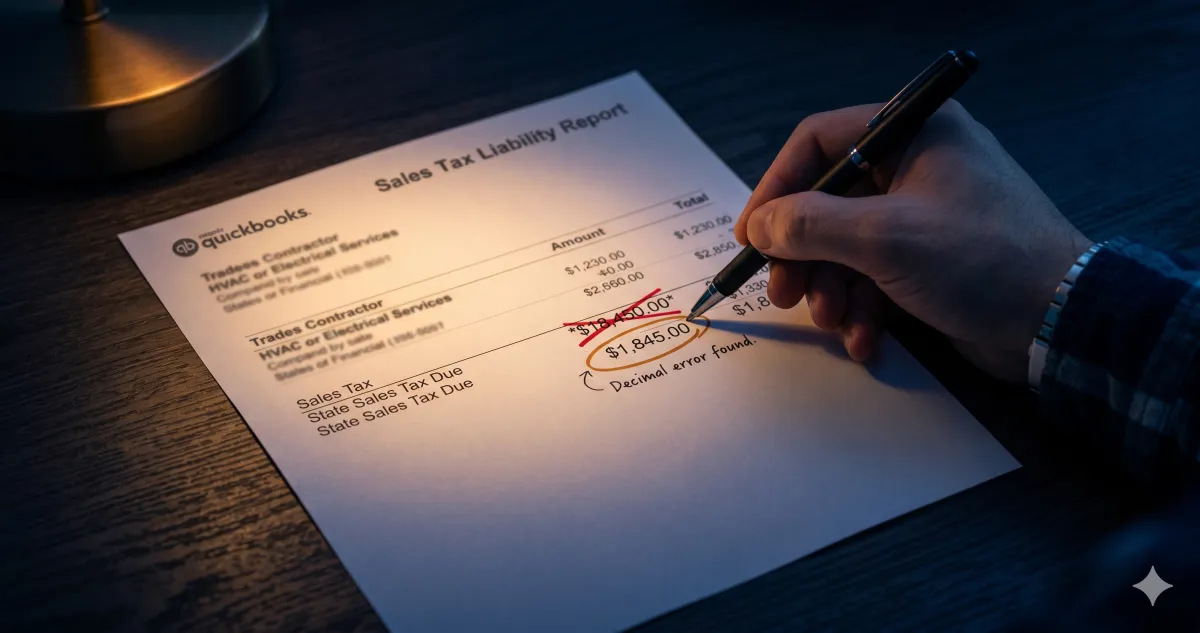
A client came to us thinking they owed $12,000 in sales tax. They actually owed $800. Their previous bookkeeper had been misconfiguring sales tax in QuickBooks Online for over a year and nobody had caught it.
How a QuickBooks Sales Tax Error Costs Contractors Thousands
Every invoice was calculating tax on the full job total including labor. In most states, labor on trades work isn't taxable. Only materials are. QuickBooks Online has an automated sales tax engine that sounds helpful until it's set up wrong. If your invoice line items aren't mapped correctly between taxable and non-taxable, QBO calculates tax on everything by default.
A generic bookkeeper who doesn't understand trades contractor sales tax rules assumes all revenue is taxable and never questions it. The mistake gets made on invoice one and then repeats on every single invoice after that.
By the time I got in there, this client had $12,000 set aside to write a check to the state. When we recalculated using the correct taxable line items, the real number was $800. They almost paid fifteen times what they actually owed.
Why Sales Tax Rules for Trades Contractors Are Different
Sales tax for HVAC, plumbing, and electrical contractors isn't straightforward. Several variables change the answer:
Whether labor is taxable depends on the state
Residential versus commercial work is treated differently in many states
Whether you're selling equipment or installing it can change the taxable amount
Materials purchased for resale versus materials consumed during a job are treated differently
A bookkeeper who doesn't work specifically in the trades will get this wrong consistently. It's not negligence; it's a knowledge gap. But the contractor pays the price.
How to Check Your Own QuickBooks Sales Tax Setup
Pull your sales tax liability report in QBO and check a 3-10 invoices to ensure the sales tax calculation is correct. If the taxable amount matches your total revenue rather than just your materials revenue, your setup may be misconfigured depending on your state.
This is also worth checking if you recently switched bookkeepers, upgraded your QBO subscription, or started using a new FSM that syncs invoices automatically as any of those transitions can reset or misconfigure your tax mapping without anyone noticing.
Frequently Asked Questions
Is labor taxable for HVAC, plumbing, and electrical contractors?
In most U.S. states, labor on trades work is not subject to sales tax. However the rules vary by state and by job type as some states tax certain installation labor, and commercial versus residential rules differ. The safest approach is to have your bookkeeper verify your state's specific rules and map your QBO invoice items accordingly.
How do I fix a sales tax mapping error in QuickBooks Online?
In QBO go to Settings (Gear Icon) --> Products and Services and review how each invoice item is categorized. Each item should be designated as taxable or non-taxable based on your state's rules for that specific type of charge. If you've been miscategorized for an extended period, you may need to run a corrected liability report to determine what you actually owe.
How often should contractors review their QBO sales tax settings?
At minimum annually, and any time you add new invoice items, switch FSM software, or expand into a new state. FSM-to-QBO syncs in particular can push new items into your books without the correct tax designation.
If you want to know what other errors might be sitting in your books, our free resources including the Cash Flow Leak Scorecard are available for download here. If you'd rather have someone look at it directly, book a call here.